
AI Mastering update
Published Updated
Contents
I updated the AI Mastering.
Added oversampling function
Oversampling function was added. Using oversampling reduces the separation between “True Peak” and “Peak”. However, the processing time will be delayed. Setting Oversampling to 1x will result in the same behavior as before.
If you are concerned about True Peak, please try it.

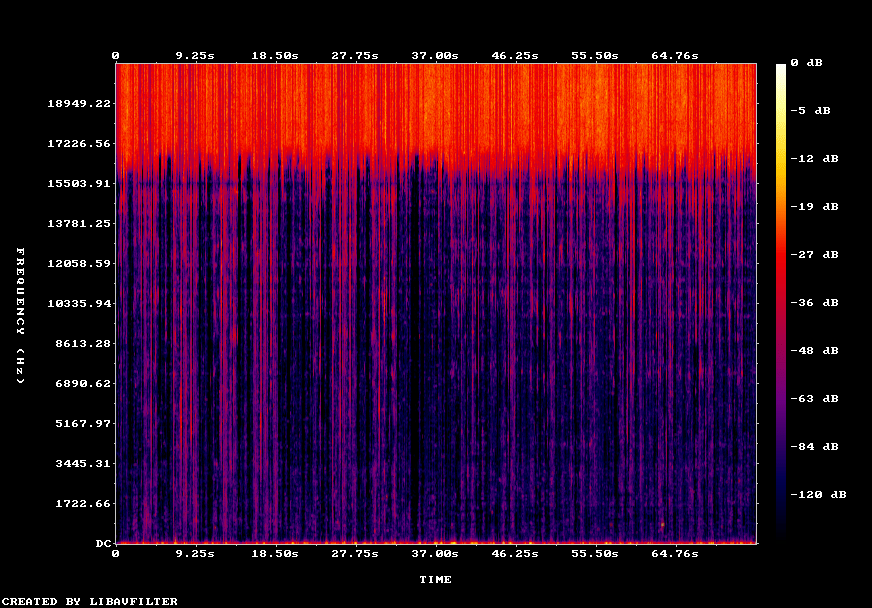
“Limiter error spectrogram” added
“Limiter error spectrogram” is visualized in spectrogram form at which timing and which band affects the limiter error. I think it will be easier to reduce the limiter error when using this.
Since the relative value is displayed, you do not have to worry if “Limiter error” is small in the first place. In areas where there is no original sound such as super high frequency range and silent part, the color tends to become thicker overall, but there is no problem if it does not matter if you listen.
What is important is the dark areas that are present in the dark areas. In this image, there are many vertical lines below 15kHz. This line is the distortion that occurs when the peak of a strong attack sound cannot be compressed completely.
Please refer to the following article for how to reduce the limiter error.
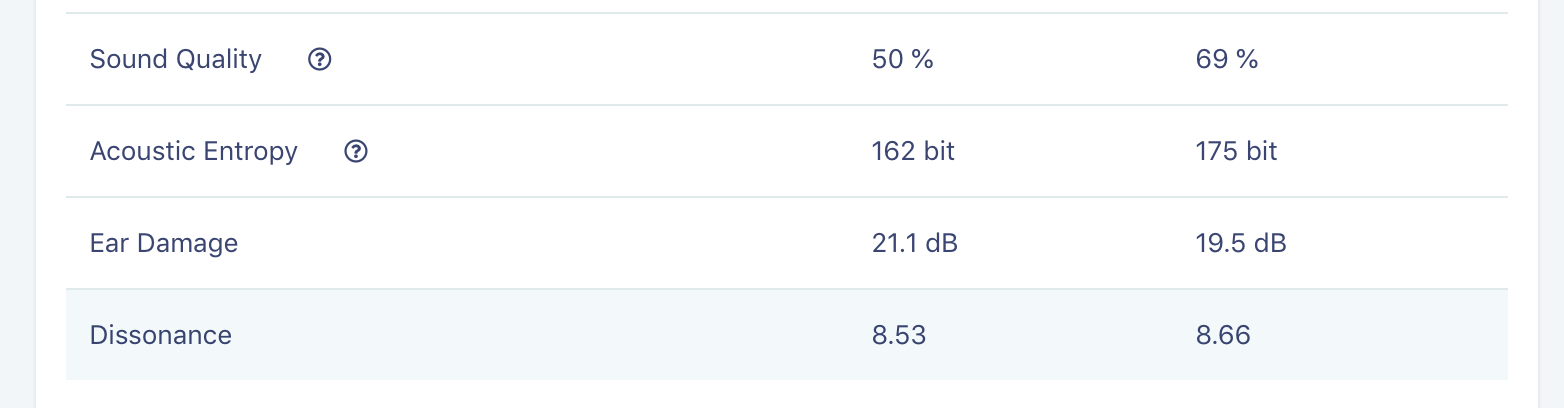
Add Dissonance Indicator
The Dissonance index is an index that indicates the degree of dissonance of sound. The Dissonance index tends to be large when there are many sounds with a dense spectrum in the frequency direction, such as percussion instruments and noise, and it tends to be small when there are many pitched sounds such as piano and strings.
Speed up audio analysis
In AI Mastering, after uploading audio, mastering starts when audio analysis is completed. As we speed up the analysis of the audio, mastering should start faster.