
How to use Equalizer APO in Japanese
Published Updated
Contents
We will show you how to translate Equalizer APO into Japanese.
What is Equalizer APO?
Equalizer APO is a Windows application that can apply various effects (EQ, compressor, VST) to various sounds (YouTube videos and game sounds) played from a PC.
The basic article on how to use Equalizer APO is described in the following article. If you do not know Equalizer APO, please refer to it.
How to Japaneseize Equalizer APO
Follow the steps below for Japanese localization.
1. Check the version of Equalizer APO
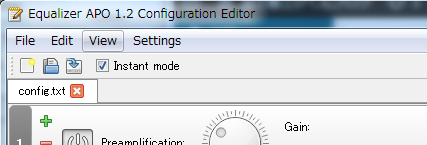
The version is described in the title part of Equalizer APO Configuration Editor. Make sure that the version is 1.2. If the version is not 1.2, please update Equalizer APO to the latest version.
2. Exit the Equalizer APO Configuration Editor
If the Equalizer APO Configuration Editor is running, it will exit.
3. Download Equalizer APO Translator
Download the Equalizer APO Translator.
Equalizer APO Translator for Windows
4. Japanese localization with Equalizer APO Translator
Launch Equalizer APO Translator and press the “Apply Japanese Localization” button to perform Japanese localization. When finished, it is OK even if the Equalizer APO Translator is finished. If you get an error, please right-click the executable file and try “Run as administrator”.

5. Start Equalizer APO Configuration Editor
Launch Equalizer APO Configuration Editor.
6. Set the language setting of Equalizer APO Configuration Editor to English
Set the language setting of the Equalizer APO Configuration Editor to English. It is difficult to understand, but if you set the language setting to English, it will be Japanese.
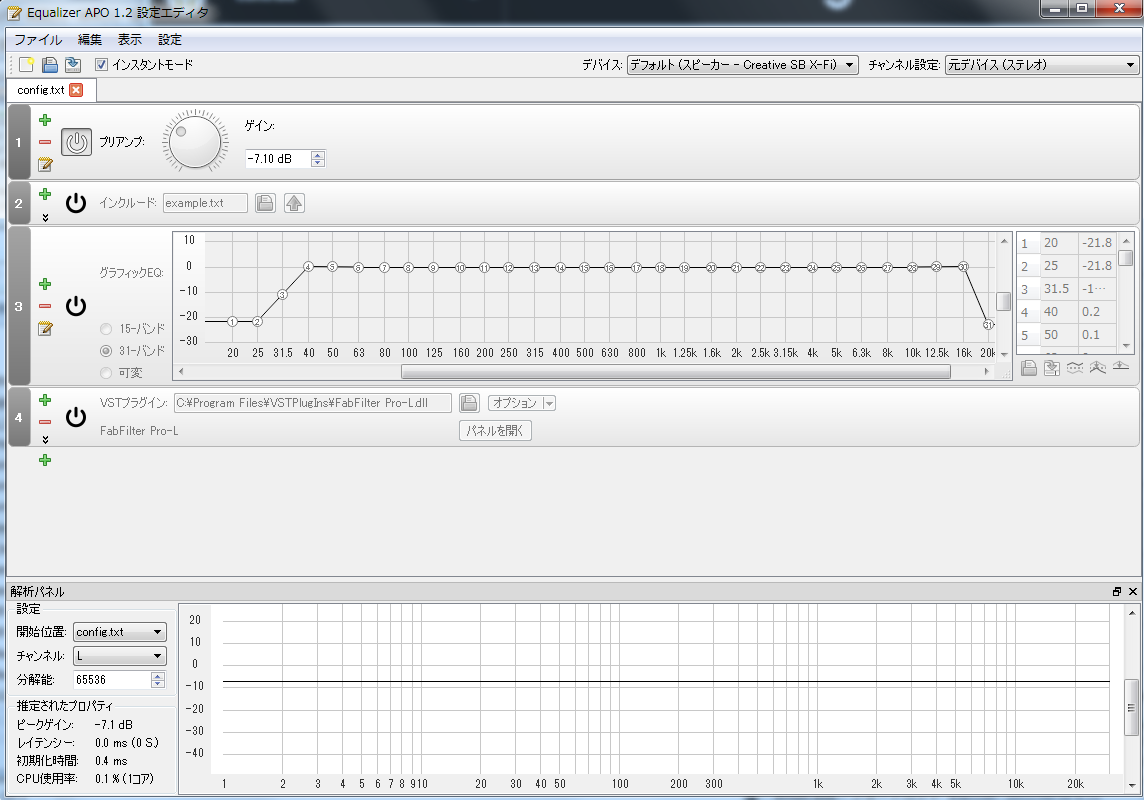
When Japanese localization is completed, it will be as follows.
I want to translate into other languages
Languages supported by the official Equalizer APO are English and German. If you want to translate Equalizer APO into languages other than English, German or Japanese, you may be able to respond by sending a translation of the translation part of the following file into the target language. However, please note that there is no guarantee that it can be supported.
Disclaimer
Equalizer APO Translator is an unofficial tool.
-Does not support Equalizer APO Translator.
- We assume no responsibility for any damage caused by using Equalizer APO Translator.
Summary
We showed you how to use Equalizer APO Translator to translate Equalizer APO into Japanese.